
TL;DR

Get workout gear delivered free with Prime
- Fast, free delivery on millions of items
- Prime Video, Amazon Music and more included
- Member-only deals all year
You can generate a full set of publishing assets—like a media kit, social posts, and promotional materials—from one video, all processed locally. This approach keeps your work private, reduces dependency on cloud tools, and streamlines your publishing process.
Imagine transforming a single video into a full-fledged media kit—ready for press, social media, and marketing—without ever uploading to the cloud. No waiting for uploads, no reliance on third-party servers, just your machine doing the heavy lifting.
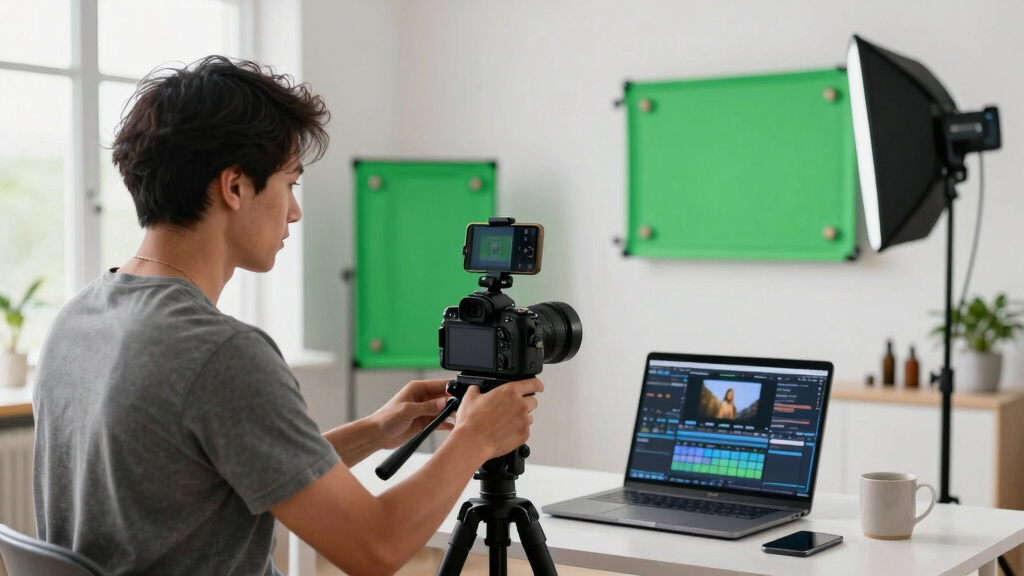
This isn’t just a dream for privacy-conscious creators; it’s a game changer for anyone who wants speed, control, and flexibility in their publishing workflow. Today, I’ll show you how a local-first system can handle everything from transcripts to social media snippets, all from one source video.
Key Takeaways
- Processing assets locally keeps your content private and eliminates reliance on cloud services.
- A complete publishing kit includes titles, descriptions, images, social snippets, and drafts—all generated from one source video.
- The workflow is quick: ingest video, analyze, review assets, and publish—without waiting for uploads or cloud processing.
- Provenance tagging ensures you can track, reproduce, and update assets confidently.
- Multi-platform assets are tailored automatically, maximizing your reach without extra manual effort.
Products Worth Considering

Philips Sonicare 5950 Rechargeable Electric Toothbrush with 2 Brush Heads, Pink

Bowflex SelectTech 840 Adjustable Kettlebell

Oral-B iO Series 5 Rechargeable Electric Toothbrush with 3 Brush Heads and Travel Case, Black
As an affiliate, we earn on qualifying purchases.
What does ‘one video in, a whole kit out’ really mean?
It means starting with a single video file—your raw footage or a YouTube link—and ending up with a package of ready-to-use assets: titles, descriptions, thumbnails, social posts, blog drafts, and press materials. All generated by a system that runs offline, on your own hardware.
For example, you record a 10-minute interview. The workflow automatically extracts key moments, creates a catchy title, drafts social posts, and designs a professional-looking one-sheet—without you lifting a finger after the initial upload.
Recent advances in local AI and automation tools mean that these processes can be done without sacrificing control or quality. This shift reduces reliance on external servers, which is especially crucial for sensitive or confidential projects. The tradeoff is that you need a capable local machine and some initial setup, but the payoff is a faster, more private workflow that you fully control.

What assets should a complete publishing kit include?
A media kit isn’t just a press release. It’s a curated bundle designed to promote your work professionally. Typical components include:
- A compelling one-sheet with key facts and visuals
- High-res and web-friendly book or project cover files
- A concise author bio and project summary
- Review quotes or testimonials
- Media-ready press images and logos
- Social media snippets with tailored copy for each platform
- Blog drafts and newsletter blurbs
Creating these assets manually takes hours, often involving tedious copying, resizing, and formatting. Automating this process locally means you can generate all these components rapidly, maintaining consistency and quality. This not only saves time but also allows for quick iterations—crucial when responding to market feedback or urgent promotional deadlines. The implication is that you can focus more on creative strategy rather than repetitive tasks, leading to more polished and cohesive campaigns. Automating this process locally means you can generate all these components rapidly, maintaining consistency and quality. This not only saves time but also allows for quick iterations—crucial when responding to market feedback or urgent promotional deadlines. The implication is that you can focus more on creative strategy rather than repetitive tasks, leading to more polished and cohesive campaigns.

How is a ‘one-sheet’ the heart of your media kit?
The one-sheet is the Swiss Army knife of promotional materials. You can learn more about how to create effective media kits in this comprehensive guide. It’s a one-page flyer that captures the essence of your project—eye-catching visuals, a quick pitch, key stats, and contact info.
Take the example of an author launching a new novel. Their one-sheet features the book cover, a gripping tagline, praise quotes, and purchase links—everything a journalist or reviewer needs at a glance.
Generating a high-quality one-sheet automatically from your video means you can adapt it for various audiences and channels quickly. This flexibility is vital because different platforms and stakeholders require tailored messaging. The ability to produce consistent, professional-looking one-sheets on demand reduces manual effort and ensures your branding remains cohesive, which is essential for building recognition and trust across channels.

How to generate assets locally in 4 simple steps
- Ingest your video: Drop the file or paste a YouTube link into your local tool. It detects your channel and starts analyzing immediately.
- Understand and analyze: The system transcribes speech, detects scene changes, reads on-screen text, and aligns everything into a fused timeline.
- Review drafts in the studio: Preview generated titles, social posts, and assets. Edit, regenerate, or approve as needed.
- Publish and distribute: Export your assets in formats ready for upload or sharing—without ever leaving your machine.
This process is not just about automation; it’s about creating a seamless, efficient pipeline that empowers you to produce high-quality assets rapidly. The key is that each step provides opportunities for refinement, ensuring the final outputs meet your standards. This iterative control allows you to catch errors early and customize assets precisely, which is critical for maintaining brand consistency and professionalism in a competitive environment.

Why keep everything offline? The benefits of ‘without the cloud’
Processing locally means you’re in full control. For more insights on privacy and local processing, visit Golden Age Gadgets. Privacy stays intact, data isn’t stored on third-party servers, and you avoid cloud costs or slow uploads. Plus, your workflow becomes faster and more reliable—no internet hiccups, no waiting for uploads.
Imagine producing a press kit for a confidential project. You don’t want your drafts floating around online. Doing everything offline keeps your work secure and private, reducing the risk of leaks or unauthorized access. Additionally, relying on local processing minimizes external dependencies, which can be unpredictable or unreliable during critical moments.
Recent discussions highlight that cloud tools are praised for collaboration, but many creators prefer local systems for security and simplicity. They often find that local workflows reduce distractions, technical issues, and data vulnerabilities. The tradeoff is that initial setup may be more involved, but the long-term benefits include faster processing times and greater peace of mind, especially for sensitive projects.

What does a ‘Publishing Package’ really look like?
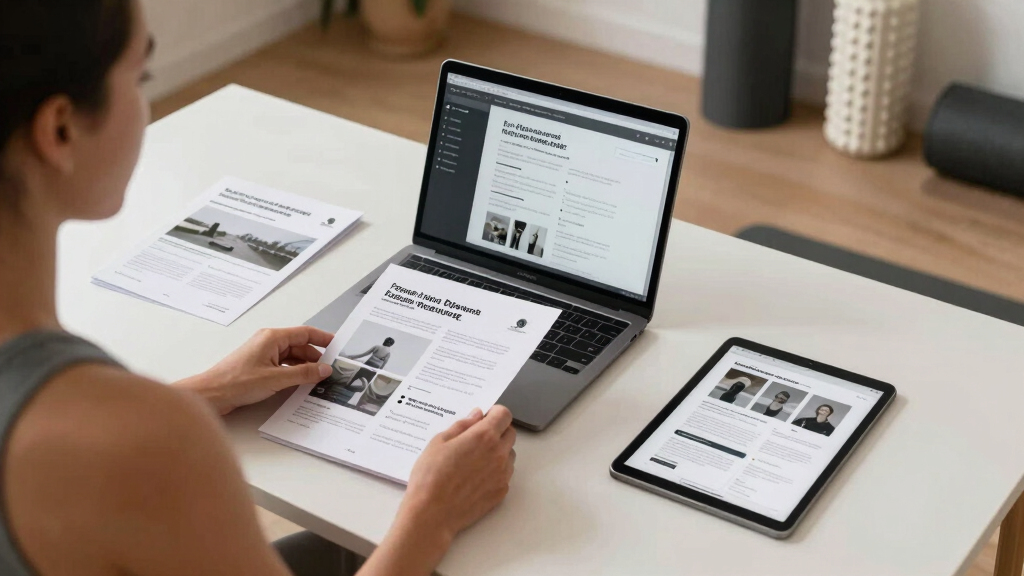
A Publishing Package combines all your assets—titles, descriptions, images, social snippets, blog drafts—in one organized bundle. To see examples of effective publishing kits, check out this detailed article. It’s like a digital media kit that’s ready to be shared or uploaded across multiple platforms.
For instance, a podcaster produces content with a handful of videos. The package includes a press release, social posts tailored for Twitter and Instagram, high-res cover art, and a blog draft—all generated from the original video.
The power of this approach lies in its efficiency: processing once and deploying everywhere. This reduces repetitive manual work and minimizes the chance of inconsistencies. Moreover, it allows creators to rapidly respond to opportunities, such as media inquiries or promotional deadlines, by having assets prepared and ready to distribute. The implication is a much more agile and professional presence across channels.
How the review workspace makes your life easier
The review stage is where you fine-tune your assets. The system offers three layouts: the Console for quick approvals, the Editor for deep edits, and Atlas for an overview of all platforms’ progress.
Imagine reviewing your social snippets side-by-side with the draft blog post, with clear indicators showing which assets are ready. You can jump between details or get a big-picture view in seconds.
Every change is tracked with provenance info—what model, prompt, or input made it—so you know exactly how each asset was generated. This transparency is vital for quality control, especially when multiple assets and team members are involved. It enables you to identify which inputs led to specific outputs, making it easier to troubleshoot, refine, or replicate assets in future projects. The ability to see the entire history of asset creation promotes accountability and confidence in your workflow, ultimately leading to higher quality and consistency across campaigns.

What platforms can your local kit reach? The power of multi-channel publishing
From a single video, you can generate assets for over a dozen platforms: YouTube, TikTok, Instagram, Facebook, Twitter, LinkedIn, Pinterest, Reddit, and more. Each gets tailored content—vertical videos, captions, images, or article drafts.
For example, a fitness influencer posts a long YouTube workout, then shares snippets on TikTok, an Instagram carousel, and a LinkedIn article—all from one analysis. The assets are customized for each channel’s style and audience.
This multi-platform approach maximizes reach without extra manual work, making your workflow efficient and scalable. It allows creators to maintain a consistent brand voice while adapting to each platform’s unique requirements, which is vital in today’s fragmented media landscape. The tradeoff is that some customization may be necessary for optimal engagement, but the core assets are generated automatically, freeing up time for strategic adjustments rather than manual repurposing.

Handling provenance and version control like a pro
Every asset generated is tagged with details about what model, prompt, and inputs created it. This makes tracking changes and reproducing assets easy—crucial for quality control and transparency.
Suppose you need to update a social post after a client review. Knowing exactly which prompt or model was used helps you recreate or tweak assets confidently. This detailed provenance also facilitates A/B testing, allowing you to compare different versions and understand what inputs led to successful results. Over time, maintaining such records ensures consistency across campaigns and helps in troubleshooting issues or refining processes. The tradeoff is that managing provenance data requires disciplined record-keeping, but the benefit is a robust, transparent workflow that supports iterative improvements and accountability.
Frequently Asked Questions
What exactly does ‘one video in, a whole publishing kit out’ mean?
It means starting with a single video file or link and automatically generating all the promotional and publishing assets—titles, social posts, images, drafts—without relying on the cloud.
Can this be done offline, and what does ‘without the cloud’ really change?
Yes, all processing happens on your local machine. This keeps your data private, reduces costs, and speeds up the workflow since you don’t depend on internet speed or cloud servers.
What assets are included in a typical publishing kit?
A kit generally includes a one-sheet, high-res and web-ready cover files, social snippets, blog drafts, press images, and promotional copy—all generated from your video.
How much manual editing is still needed after automation?
While the system drafts most assets, you’ll review, tweak, and approve each piece. The goal is to save time, not eliminate your input entirely.
Who is this workflow best suited for?
Authors, content creators, marketers, and small publishers who want fast, private, and scalable asset creation without relying on cloud services.
Conclusion
Turning one video into a complete publishing kit without the cloud isn’t just a time-saver; it’s a strategic shift toward more control, security, and speed. Your workflow becomes faster, your data stays private, and your content can be deployed across channels with a few clicks.
Next time you record, think about the power of local automation. It’s not just about convenience—it’s about owning your content and your process. That vivid clip, that perfect thumbnail, that punchy social post—made in your own space, on your terms.